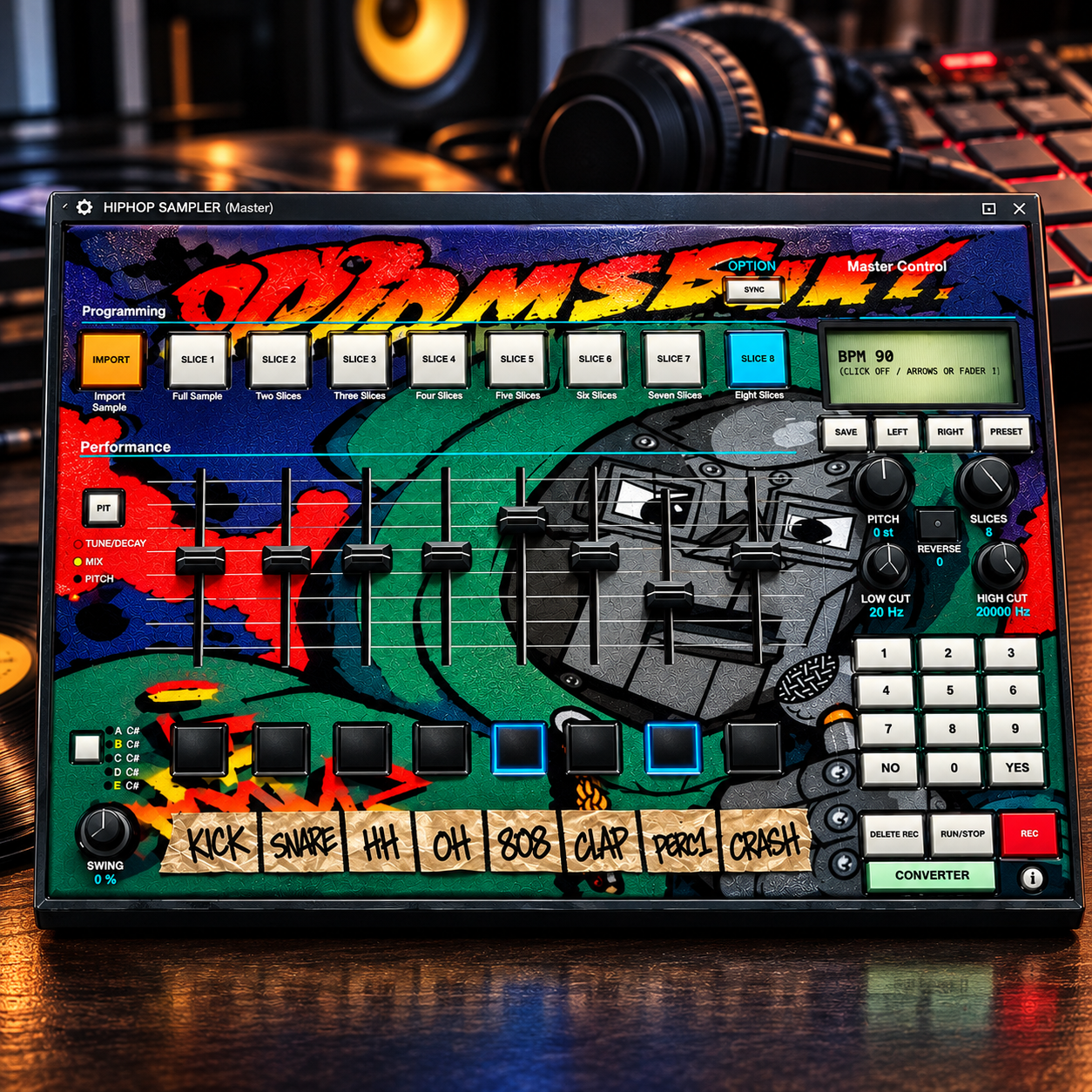
MF DOOM Skin Preset — HipHop Sampler Preset | ITB Audio

Back to all packs
MF DOOM Skin Preset for HipHop Sampler artwork

HipHop Sampler · Preset

MF DOOM Skin Preset

Professional HIPHOP SAMPLER preset with an embedded MF DOOM sample, ready to install and play. Comes with an automatic installer and manual installation instructions.

Watch the preset in action

MF DOOM Preset Installer

Package contents

  • preset-MF DOOM.json — Professional HIPHOP SAMPLER preset
    • BPM: 82 (auto-set)
    • Pitch: −3 semitones
    • Sample: 1 attached slice
    • SYNC: Disabled (plays independently from the DAW)

Installation instructions

Automatic method (recommended)

  1. Extract the ZIP file
  2. Double-click on install-mfdoom.sh
  3. Authorize the installation when prompted
  4. Close and reopen Logic Pro
  5. Select the preset in USER > MF DOOM

Manual method

  1. Extract the ZIP file
  2. Copy preset-MF DOOM.json
  3. Open Finder and press Cmd + Shift + G
  4. Paste: ~/Library/Application Support/SheenBeats/HipHopSampler/Presets
  5. Paste the file into the folder
  6. Close and reopen Logic Pro

Technical specifications

Preset NameMF DOOM
BPM82
Pitch−3 semitones
BankA
Slice1
SampleMFDOOM SAMPLE 1 (embedded)
SYNCOFF
FormatHIPHOP.IPLUG2

Support

  • Required plug-in: HIPHOP SAMPLER (AU Instrument)
  • Tested DAW: Logic Pro 10+
  • System: macOS 10.13+
  • Architecture: Universal (arm64 / x86_64)

Notes

  • If the preset is already installed, the installer automatically creates a backup
  • The JSON file is embedded with the sample; no additional download required
  • Uninstallation: delete the file from ~/Library/Application Support/SheenBeats/HipHopSampler/Presets/preset-MF DOOM.json